

Best School Digital Signage & Education Digital Signage
School digital signage helps create strong communication between your students, teachers, and staff. Our digital signage solution is designed for all educational institutions. With our user-friendly features and cloud-based system, you can easily update and manage your screens. Start bringing your campus together with NexSigns today.


Empowering Educators
Recognized by educational leaders for our commitment to bringing quality and innovation to all learning environments.

Benefits of The Best School Digital Signage & Education Digital Signage

Create Fast Communication With Everyone on Campus
Use a digital bulletin board to inform students and staff about news and events. Make use of our system to streamline content updates across your campus. On top of that, you can create and plan any content in advance with our Scheduled Publishing feature. The content will update on its own when the time comes.
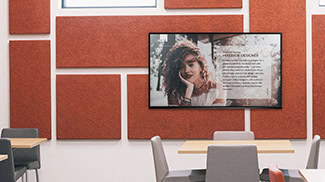
Share All your Students’ Work and Achievements
Show the work done by all your students. Our Image Slideshow feature will create an eye-catching slideshow from your best images. Our Video Playback feature lets you play any popular video format, and this will let you share more about your students than a physical sign can.
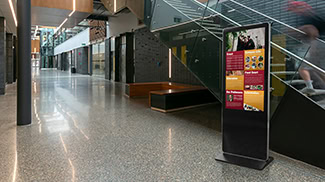
Enhance Campus Security and Promote Safety
Share safety messages with everyone by using our digital signage software to power your screens. You can issue PSAs and show safety guides to your whole campus. You can also link your emergency alert system to NexSigns so, during an emergency, your school digital signage can notify the whole campus.
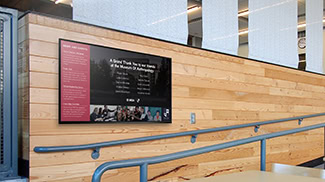
Celebrate the Efforts of Your Alumni and Donors
Present the success stories from your school with NexSigns. Show the triumphs of your alumni and the support from your donors with lively education digital signage. Honor your donors with a vivid donor list. You can easily update everything with our online platform, so you can skip the printing costs.
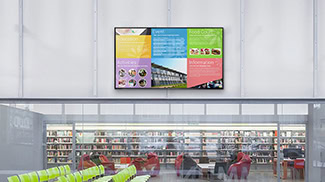
Welcome your Visitors with Helpful Directories
Use our Building Directory System to create an inviting setting and help your visitors explore your campus with ease. Change the content on your digital displays to match current events on campus. This way, your visitors know the best ways to get around your school.
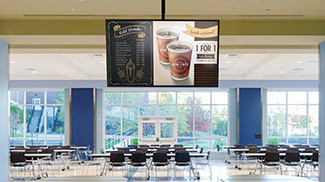
Introduce Digital Menu Boards to your Cafeteria
Our Editable Animation System and Smart Menu Editor can help quickly update your menus while keeping the animations. Our Dayparting feature will help your digital menu boards switch between breakfast, lunch, and dinner menus based on the set hours.
Our Work is Stunning Effective Engaging


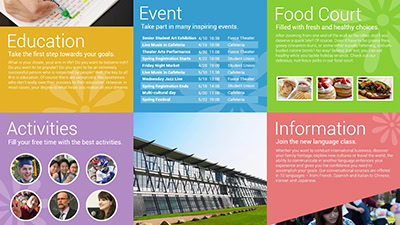





How NexSigns Works
Effective Digital Signage for Everyone
Display gorgeous multimedia with video playback capable of 720p, 1080p, and 4K2K native and 8K upscaled display.
Don’t worry about your digital signage going down due to WiFi or internet outages. With both internal and external storage and internet-free operations, NexSigns can continue to work even during an outage.
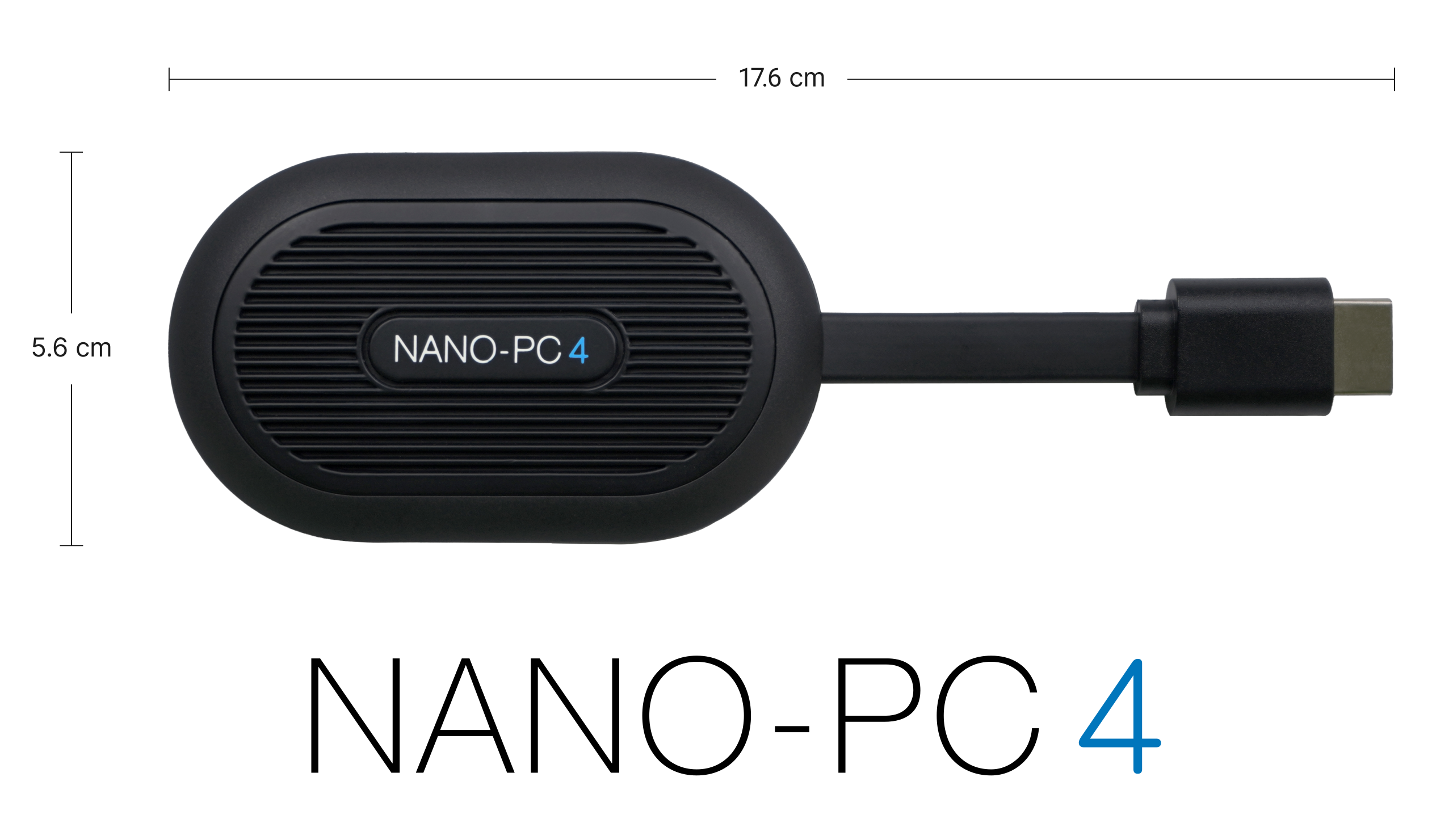
A resilient aluminum die-cast casing and a fanless heatsink make the Nano-PC 4 resilient and able to operate within a display enclosure in temperatures ranging from -35°C to 70°C (-31°F to 158 °F).
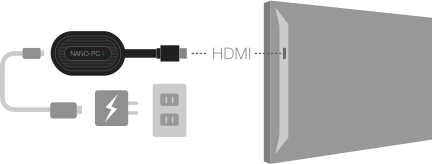
Set up your digital signage in minutes with our slim and compact digital signage computer (Nano-PC 4). Plug the Nano-PC 4 into any HDTV and you will be ready to showcase any product or service.
What's in The Box
The surrounding decorations are purely for aesthetics; the box includes only the Nano-PC 4 and its accessories.
What's in The Box

Nano-PC 4

USB-C Power Cable

USB-C Adapter

AC Power Adapter
Digital Signage Set Up
It’s fast and easy to set up your digital signage. Plug the Nano-PC 4 into any HDTV to transform it into a premium digital signage system for your business.
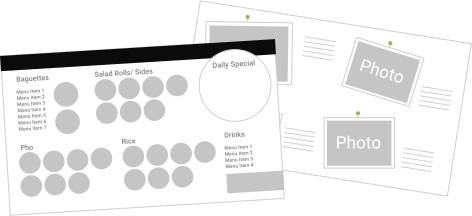
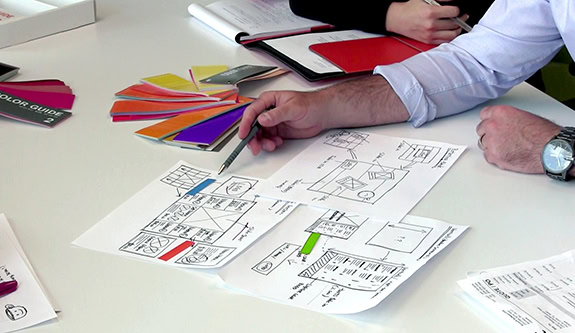
Design Approaches
Start your digital signage experience by selecting a design from our template library. You can also get a design tailor-made for your business.
Enjoy a Stress-Free Experience
NexSigns is quick to set up and needs little to no upkeep. Because your success is our focus, we provide a free consultation to ensure you get the best ROI. Our clients have noticed a major boost in customer satisfaction and engagement once they started using NexSigns. Begin your digital signage journey today and enjoy all the benefits that come with it.
Frequently Asked Questions
Education digital signage pricing depends on the number of screens, school locations, media player needs, content setup, and rollout size. NexSigns is scoped around each school’s environment, so pricing should reflect the screens, locations, and content workflow your team needs. A personalized consultation with Kuusoft gives your school a clear pricing estimate and the best approach that fits your deployment needs.
NexSigns setup timing depends on the number of screens, existing display readiness, content needs, and approval process. Some schools start with one building, department, or pilot area before expanding across the campus or district. This gives your team a practical way to test the setup, refine the content workflow, and expand with more confidence.
NexSigns supports content management workflows for approved school staff, depending on how the system is configured for the deployment. Whether updates are handled by office staff, communications teams, IT, or department leads, Kuusoft can help plan a content workflow that fits how your school manages communication.
Yes. NexSigns digital signage features allow you to show different content by department, building, screen group, or campus location. The Playlist Inheritance System helps organize shared content across larger signage networks, while Scheduled Publishing allows teams to plan when approved announcements, events, reminders, or seasonal messages go live.
Yes. NexSigns will continue playing locally stored content during a temporary internet interruption, so school screens can keep showing existing schedules, announcements, events, or facility messages. Once the internet connection is restored, NexSigns can receive new updates, schedule changes, and newly published content.
Yes. NexSigns can be used to publish urgent notices across selected screens or locations when timely communication is needed. This can support school use cases such as schedule changes, facility notices, weather-related updates, or other time-sensitive messages. For schools with a specific emergency communication process or approval workflow, Kuusoft can help define the right setup before rollout.
Many schools can use existing displays, depending on the screen setup and media player requirements. NexSigns software can run on compatible hardware your school already owns, or be paired with Kuusoft’s Nano-PC 4 media player for a total plug-and-play digital signage solution. Kuusoft can review your current setup and confirm which displays and hardware can be reused for your deployment.
Kuusoft supports schools before and after deployment, including setup, account access, content publishing, troubleshooting, and ongoing questions. Support is available by phone, email, and video call, with unlimited free support calls during business hours. For phone support, customers can call 1-866-546-8838 (opt. 2).
Want to Learn More about Digital Signage for School Education?
We'd love to hear from you. Contact our team today.
Let us know the best time to give you a call
Monday - Friday 8AM - 6PM PST