

Digital Signage for Office
Office digital signage is a great way to connect with your clients, employees, and visitors. From the corporate office to small businesses, NexSigns’ office digital signage helps to improve office communications, welcome clients and visitors, and streamline management for your business.


Trusted by Business Leaders
From large enterprises to small businesses, turn your office into a productivity powerhouse with reliable office digital signage. Our adaptable digital signage solutions help clients to improve internal communication, foster a collaborative work environment, and stay agile in dynamic office settings.


How Office Digital Signage Helps in Corporate Office Communications
Streamline Office Internal Communication
Our digital signage displays for offices can be used as notice boards to share company-wide announcements and future events. This will keep your employees in the loop and they can make informed choices based on up-to-date information. With our system, you can make instant updates to your notice boards whenever you want.
Create Better Connections Among Your Employees
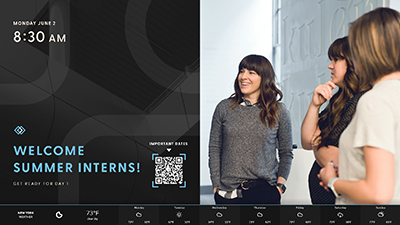
Share birthday wishes, anniversary tributes, and the triumphs of your staff to motivate the team. Showing how much you care will help keep your employees engaged and motivated to do better at their jobs. On top of that, you can also show welcome messages on the displays when a new employee is on board. This will help the new employee to feel that they are part of the team.
Monitor your Performance
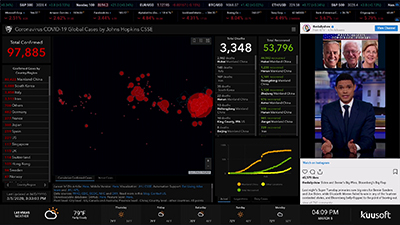
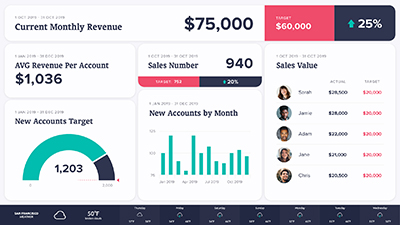
Show your team KPIs, objectives, and achievements on your office digital signage so everyone is in the loop and can keep track of their progress along the way. This way, you can help keep your employees focused and motivated to power through their goals.
Create Clear Building Directories
Show your visitors and employees where they need to go through informative digital signs with Building Directories. This will help your visitors and clients see where the events are taking place without asking the reception. When you need to change the content, you can update it online in seconds with our digital signage platform.
Build a Strong Brand Image
Create a great first impression and share facts about your business by placing office digital signage in your lobby. While your guests wait in the lobby, you can show them your brand’s story and share your messages. You can also use these screens to share your company culture with your employees and help them stay connected with the company.
Like What You See?
Use Cases for Office Digital Signage
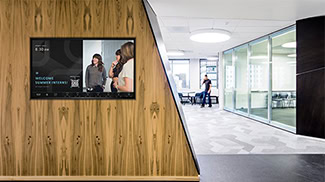
Lobby Digital Signage
Build the right first impression. You can have video walls near the entrance and digital screens in the waiting areas. Welcome your guests with friendly welcome messages, company story and insights, and social media news. Celebrate company achievements, announce partnerships, or show your latest events and services.
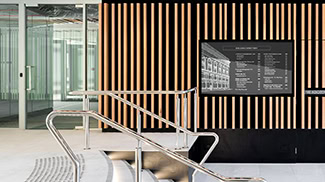
Office Directories
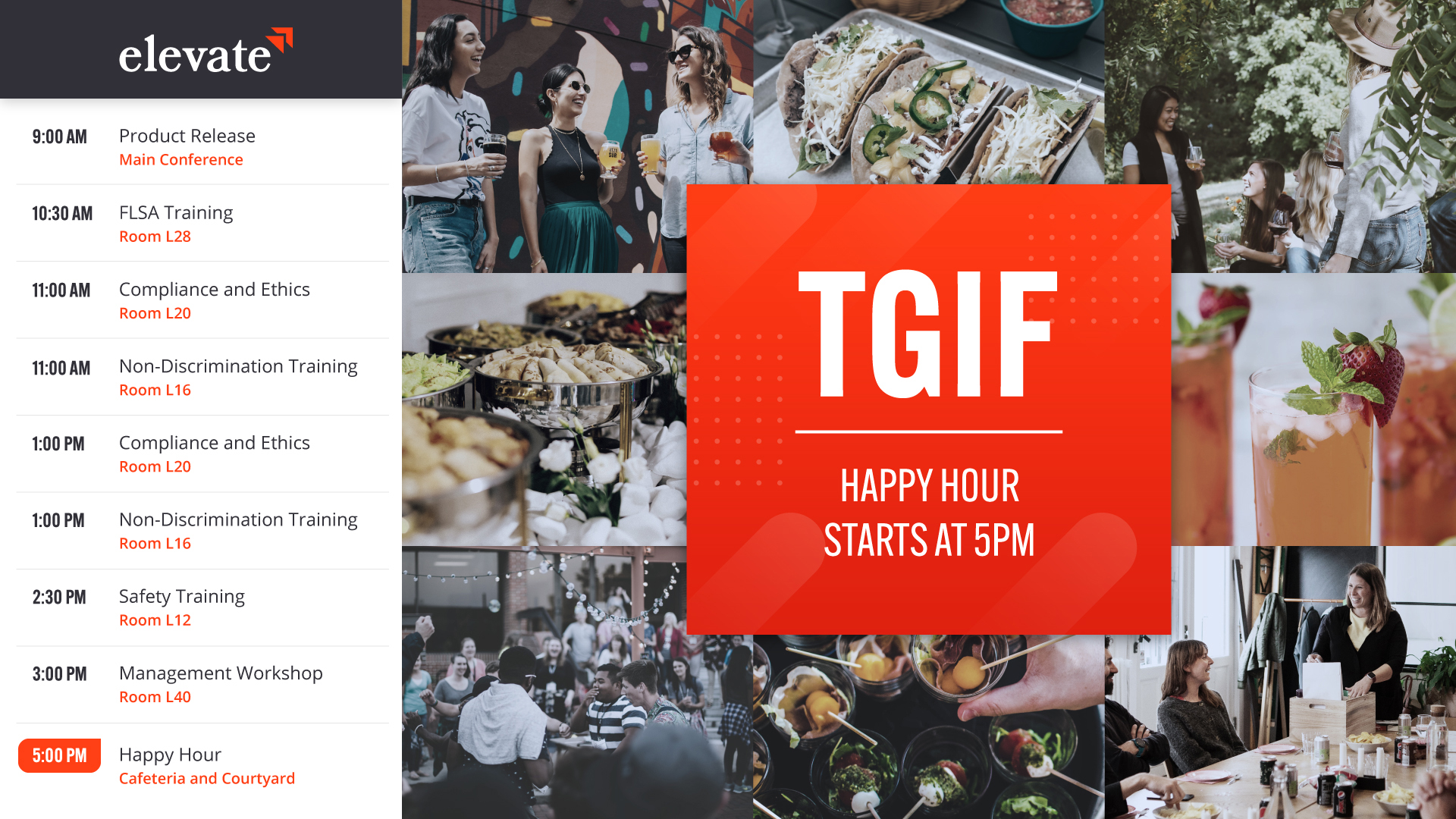
Use digital Building Directories to guide people throughout the office building. On top of that, you can also show the time and place where company events, meetings, conferences, and seminars are taking place. This way, you can efficiently guide everyone to where they want to be.
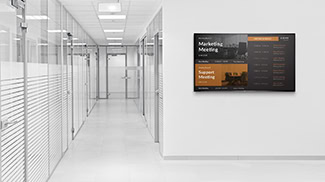
Meeting Rooms
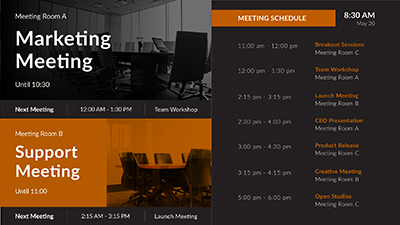
With our meeting room digital signage, you can manage your meeting rooms without any hassle. Display meeting room availability in high-traffic areas so your team is aware of the schedule.
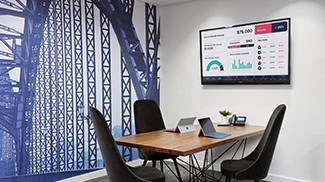
Performance Dashboards
Keep your employees focused and engaged with real-time data and updates. Help your team keep track of their progress and motivate them to meet goals with up-to-date performance dashboards. This way, your staff can feel good about the work they have done and can focus on what to do next.
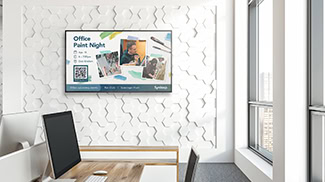
Information Bulletins
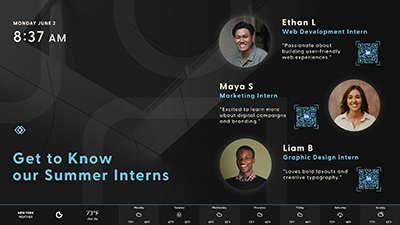
Keep everyone in the loop about updates, new hires, and celebrations. Create a friendly and modern workplace with happy hours, team-bonding events, and work social events. By doing this, you can help your employees get to know each other and feel like part of a team.
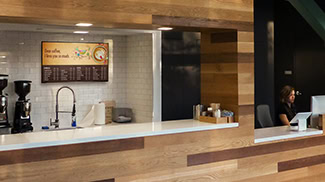
Digital Menu Boards
Turn your office cafeteria into a community hub for employees and boost your food-service sales. You can use our digital menu boards to show menu items and limited-time promotions with vivid animations and designs. With our solution, you can easily update all of your screens in an instant.
Like What You See?
Our Work is Stunning, Effective, Engaging



Effective Digital Signage for Everyone
Powerful Graphics
Display gorgeous multimedia with video playback capable of 720p, 1080p, and 4K2K native and 8K upscaled display.
Reliable Operations
Don’t worry about your digital signage going down due to WiFi or internet outages. With both internal and external storage and internet-free operations, NexSigns can continue to work even during an outage.
Durable Design
A resilient aluminum die-cast casing and a fanless heatsink make the Nano-PC 4 resilient and able to operate within a display enclosure in temperatures ranging from -35°C to 70°C (-31°F to 158 °F).
Easy to Get Started
Set up your digital signage in minutes with our slim and compact digital signage computer (Nano-PC 4). Plug the Nano-PC 4 into any HDTV and you will be ready to showcase any product or service.
Like What You See?
What’s in The Box
The surrounding decorations are purely for aesthetics; the box includes only the Nano-PC 4 and its accessories.

Nano-PC 4

USB-C Power Cable

USB-C Adapter

AC Power Adapter
Digital Signage Set Up
It’s fast and easy to set up your digital signage. Plug the Nano-PC 4 into any HDTV to transform it into a premium digital signage system for your business.
Design Approaches
Start your digital signage experience by selecting a design from our template library. You can also get a design tailor-made for your business.
Enjoy a Stress-Free Experience
NexSigns is quick to set up and needs little to no upkeep. Because your success is our focus, we provide a free consultation to ensure you get the best ROI. Our clients have noticed a major boost in customer satisfaction and engagement once they started using NexSigns. Begin your digital signage journey today and enjoy all the benefits that come with it.
Frequently Asked Questions
How much does office digital signage cost?
Office digital signage cost depends on the screen count, media player needs, number of office locations, and content setup requirements. A small office may only need a few screens, while a larger workplace may need multiple content zones and centralized management. The best way to understand pricing is to get a personalized consultation with the Kuusoft team, so we can review your setup and recommend an approach that fits your needs.
How quickly can NexSigns be set up for an office?
NexSigns setup can be planned around the size and readiness of each office project. A smaller rollout with installed displays and prepared content can be more straightforward, while a larger workplace setup may need additional planning for screen groups, media players, approvals, or multiple locations. Kuusoft will review the office setup and help plan a rollout based on your needs.
What can NexSigns show on office screens, and can different office areas show different content?
Yes. Office teams can use NexSigns to show company announcements, KPI updates, employee recognition, HR messages, visitor information, meeting notices, event reminders, safety updates, and branded internal content across workplace screens. Display Persona System helps tailor content by screen purpose, so reception displays can show visitor-facing messages, break room screens can show employee updates, meeting areas can show room notices, and department displays can show team-specific information.
Can office teams update screen content remotely?
Yes. Office teams can update screen content remotely through NexSigns, whether they need to change one display, a group of screens, or content across selected office locations. This helps teams keep workplace announcements, HR updates, visitor messages, meeting notices, and other approved content current without manually accessing each screen. With Scheduled Publishing, teams can also prepare content ahead of time and choose exactly when it should go live.
Does NexSigns support multiple offices or corporate locations?
Yes. NexSigns supports office digital signage across headquarters, satellite offices, regional locations, and larger corporate networks. Corporate teams can manage shared announcements, brand messages, and company-wide communications across multiple locations, while individual offices can still show local notices when needed. Playlist Inheritance System helps reduce duplicate setup work by letting teams manage shared content across larger signage networks.
Are new screens needed, or can we use existing displays?
Many offices can use existing displays, depending on the screen setup and media player requirements. Each screen is powered by NexSigns software and, as part of the total solution, can be paired with the Nano-PC 4 media player, which connects through HDMI and runs the signage content reliably.
Will office signage keep playing if the internet connection goes down?
Yes. If the office temporarily loses its internet connection, NexSigns can continue playing locally stored content. This helps the displays stay active during a temporary network interruption. Once the connection is restored, the system can receive new updates, schedule changes, and newly published content.
What support does Kuusoft provide for office digital signage?
Kuusoft provides support for setup, account access, publishing, troubleshooting, and ongoing digital signage questions. Support is available by phone, email, and video call, with unlimited free support calls during business hours. For phone support, customers can call 1-866-546-8838 (opt. 2).
Want to Learn More about Office Digital Signage?
Let’s get in touch. We’d love to hear from you. Contact our team today.
We’ll Call You
Let us know the best time to give you a call.
Monday - Friday 8AM - 6PM PST