Churches and schools share a common challenge: reaching their communities with timely, relevant information. Whether it is announcing a church potluck, displaying the school lunch menu, promoting an upcoming fundraiser, or broadcasting an emergency lockdown alert, these organizations need communication tools that are visible, immediate, and easy to manage.
For decades, churches relied on paper bulletins, static letter boards, and announcements from the pulpit. Schools used PA systems, paper flyers sent home in backpacks, and glass-enclosed bulletin boards in hallways. These methods still work to some degree, but they are slow, labor-intensive, and easily overlooked.
Digital signage offers a modern alternative. By placing digital screens in church lobbies, worship halls, school hallways, cafeterias, and main offices, these organizations can display dynamic, eye-catching content that keeps their communities informed and engaged, all managed remotely through a simple cloud-based platform.
In this guide, we will explore how digital signage works for churches and schools, the benefits it delivers, specific use cases for each setting, what features to look for, and how NexSigns makes it easy and affordable to get started.
What Is Digital Signage for Churches and Schools?
Digital signage for churches and schools works the same way as any digital signage system. Commercial-grade screens display rotating content (announcements, images, videos, schedules, alerts) powered by a small media player and managed through cloud-based software.
The setup is simple. A display screen is mounted in a high-visibility location such as a church lobby, sanctuary entrance, school hallway, or cafeteria. A media player such as the NexSigns Nano-PC connects to the screen and drives the content. Cloud-based CMS software lets administrators create and schedule content from any computer or mobile device.
What makes digital signage particularly well-suited for churches and schools is that these organizations often have limited technical staff but high communication needs. The right platform needs to be intuitive enough that a church office administrator or school secretary can manage it without IT support, and affordable enough to fit into typically tight budgets.
Benefits of Digital Signage for Churches and Schools
Increased Engagement and Visibility
Digital screens naturally draw attention. A bright, dynamic display in your church lobby or school hallway is far more likely to be noticed than a paper flyer pinned to a cork board. Motion, color, and rotating content keep people looking, and when people look, they absorb the information.
For churches, this means higher attendance at events, better awareness of volunteer opportunities, and stronger connection between the congregation and church leadership. For schools, it means fewer missed announcements, better-informed parents, and students who actually see the information meant for them.
Real-Time Communication
One of the biggest advantages of digital signage is speed. When something changes, such as a service time shifting, a snow day being declared, or a room location changing, you can update every screen in your building within minutes. No reprinting. No walking around to swap out flyers. Just log into the CMS, make the change, and it appears on screen.
This real-time capability is especially valuable for schools, where information changes frequently. Daily announcements, schedule changes, bus route updates, and activity cancellations happen constantly.
Emergency Alerts and Safety Communication
Both churches and schools are increasingly focused on safety preparedness. Digital signage provides a powerful tool for emergency communication. With a single action, administrators can override all screen content with a full-screen emergency alert, including lockdown instructions, severe weather warnings, evacuation directions, or shelter-in-place procedures.
This instant, building-wide visual alert supplements PA systems and ensures that people in every area of the building, including those who may not hear an audio announcement, receive the emergency information.
Reduced Printing Costs and Administrative Burden
Churches and schools print a lot. Weekly bulletins, event flyers, cafeteria menus, sports schedules, and classroom assignments all add up in both cost and staff time. Digital signage reduces or eliminates much of this printing by moving routine communications to screens.
The administrative time savings are equally significant. Instead of designing, printing, cutting, and distributing paper materials, staff can create digital content in minutes using templates and schedule it to appear at the right time automatically.
Modern, Professional Appearance
A digital display in your church lobby or school entrance immediately communicates that your organization is modern, well-organized, and investing in its community. For churches seeking to attract younger families and for schools looking to impress prospective parents, this visual impression matters.
Church Digital Signage Use Cases
Lobby Welcome Screens
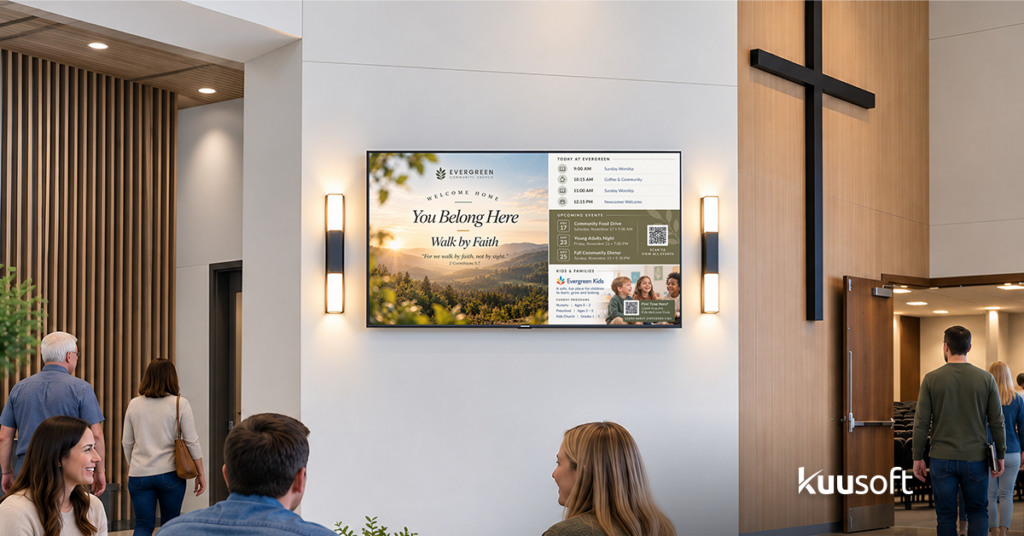
The church lobby (or narthex) is where people gather before and after services. A digital welcome screen can greet visitors by displaying a warm welcome message with the church name and logo, the day’s service schedule and sermon topic, directions to children’s ministry, nursery, and other areas, a QR code linking to the church app or online giving page, and a countdown timer to the next service.
For churches with a guest-focused culture, the lobby screen becomes an important hospitality tool, helping newcomers feel welcome and find their way without having to ask.
Worship Hall and Sanctuary Displays
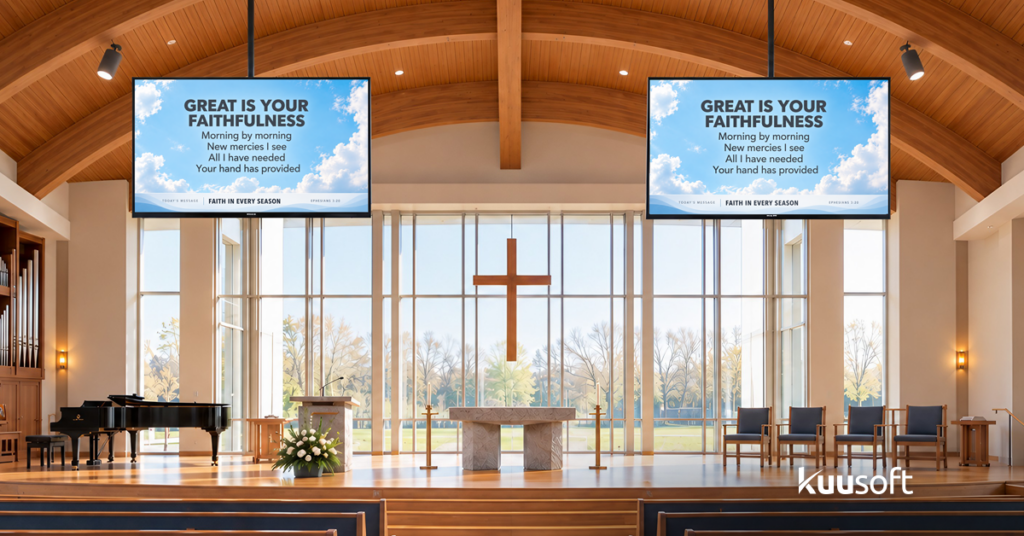
Inside the worship space, digital signage screens (or projection systems connected to the digital signage platform) can display song lyrics and scripture readings during the service, sermon notes or key points, announcement slides between worship segments, and live social media feeds during youth services or special events.
Many churches already use projection for worship lyrics. Connecting that same system to a digital signage platform like NexSigns means you can also use the screens for announcements, event promotion, and community information before and after services.
Event Promotion and Volunteer Recruitment
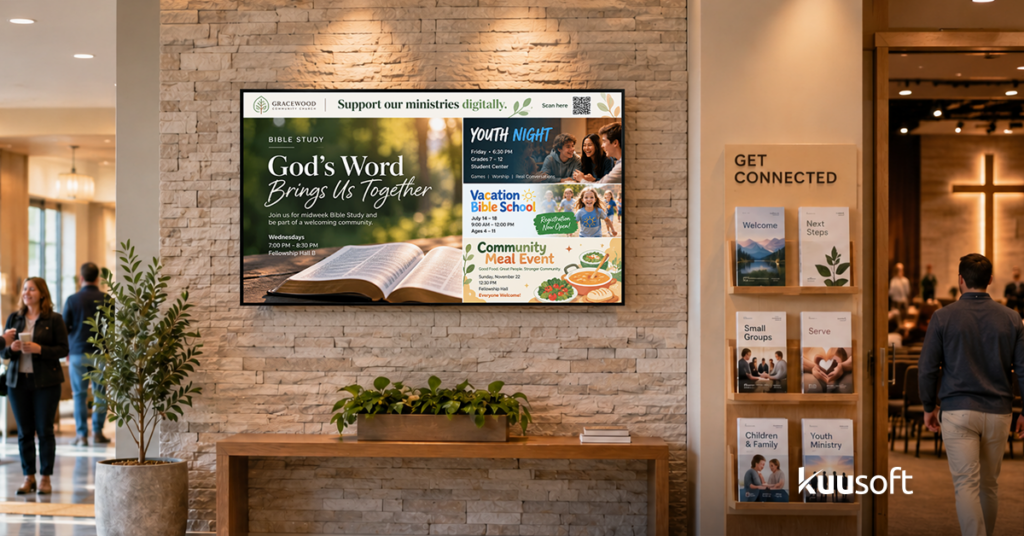
Churches run a constant cycle of events, including Bible studies, youth group meetings, potlucks, mission trips, VBS (Vacation Bible School), Christmas pageants, Easter services, and more. Digital signage provides a dynamic, visual way to promote these events and is far more engaging than a paper bulletin insert.
Rotating event promotions with vivid images and countdown timers create excitement and urgency. Volunteer recruitment calls with specific needs (“We need 5 more nursery volunteers for Sunday!”) are hard to miss on a bright screen.
Donation and Giving Information
Many churches use digital signage to display giving information, such as QR codes for online giving platforms, progress toward capital campaign goals, and thank-you messages for the congregation’s generosity. This is a tasteful, non-intrusive way to keep giving visible without relying solely on spoken appeals.
Rotating event promotions with vivid images and countdown timers create excitement and urgency. Volunteer recruitment calls with specific needs (“We need 5 more nursery volunteers for Sunday!”) are hard to miss on a bright screen.
School Digital Signage Use Cases
Hallway Announcement Boards
School hallways are high-traffic zones where students pass multiple times per day. Digital signage screens in hallways can replace static bulletin boards with rotating daily announcements and schedule changes, club meeting times and extracurricular activity promotions, spirit week themes and dress-up day reminders, college and career resources for high schoolers, and student achievement spotlights (honor roll, art of the week, science fair winners).
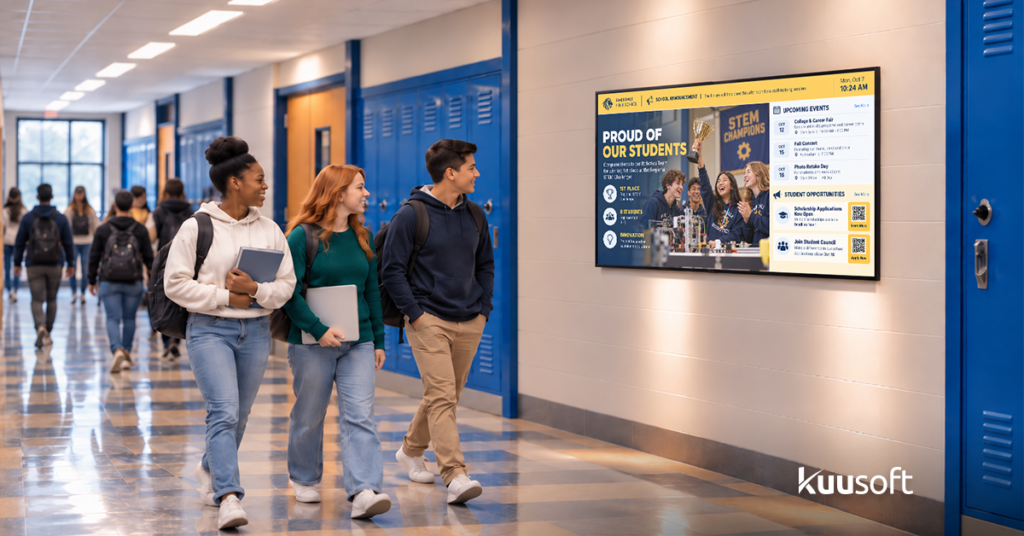
The key advantage is that content stays fresh and relevant. Unlike a paper bulletin board that might display the same flyer for months, digital screens rotate new content daily, keeping students engaged and informed.
Cafeteria Menu Displays
Digital signage in the cafeteria serves a practical and popular purpose by displaying the day’s lunch menu with images, nutritional information, and allergen warnings. This helps students make informed choices and reduces the bottleneck of students asking cafeteria staff what is being served.
Schools can schedule the menu to update automatically each day, pulling from a weekly or monthly menu calendar. Some schools also display healthy eating tips, food waste reduction messages, and student nutrition facts alongside the menu.

Main Office and Reception Area
The school’s main office is the first point of contact for parents, visitors, and community members. A digital display in the reception area can show a welcome message with the school name and mascot, the day’s events and schedule, visitor check-in instructions, key contact information for administration, and safety and emergency preparedness information.
This creates a professional, organized first impression and reduces the number of routine questions office staff must answer.
Emergency Notifications
As mentioned earlier, the emergency alert capability of digital signage is particularly valuable in schools. In a lockdown, severe weather event, or other emergency, administrators can push a full-screen alert to every display in the building simultaneously. This complements existing PA and alarm systems with a visual channel that reaches people in every area of the campus.
Some schools integrate digital signage with their emergency notification platforms so that alerts trigger automatically based on predefined protocols.
Outdoor Signs and Marquees
Many schools use outdoor digital signs (electronic marquees) to communicate with the broader community, including parents driving by, neighbors, and passing traffic. Outdoor digital signs can display upcoming events (back-to-school night, graduation, sports games), school closings and delays, congratulatory messages (state championship winners, academic achievements), as well as community messages and public service announcements.
Outdoor digital signs are weatherproof, high-brightness displays that replace traditional changeable letter boards, eliminating the need to rearrange plastic letters in the rain.

How NexSigns Powers Church and School Digital Signage
NexSigns provides a complete digital signage solution designed to be easy, reliable, and affordable, making it an ideal fit for churches and schools.
- Nano-PC Media Player: The Nano-PC is a compact, fanless media player built for 24/7 reliability. It auto-recovers from power outages, supports scheduled on/off times, and requires virtually zero maintenance. For churches and schools with limited IT support, this hands-off reliability is critical.
Cloud CMS: NexSigns cloud-based content management system is designed for simplicity. Non-technical staff can create content using drag-and-drop tools, schedule playlists, and manage screens from any browser. No software to install, no servers to maintain.
Template Library: NexSigns includes a library of professionally designed templates tailored for common use cases — event promotions, welcome screens, menu boards, scripture displays, countdowns, and emergency alerts. Templates let staff create polished content in minutes without design skills.
Multi-Screen Management: Whether your church has 2 screens or your school district has 50, NexSigns lets you organize screens into groups, push content to specific groups, and manage everything from a single dashboard. This is especially valuable for school districts managing signage across multiple campuses.
Affordable and Scalable: Start with a single screen in your lobby or main hallway and add more as your needs and budget allow. NexSigns provides transparent, predictable pricing that works within church and school budgets.
Getting Started with Digital Signage for Your Church or School
Getting started with digital signage is simpler and more affordable than most churches and schools expect:
- Identify one or two high-impact locations. Your church lobby, school main hallway, or cafeteria are excellent starting points. These locations give you maximum visibility with minimum investment.
- Define your content priorities. What information do people need most? For churches, it might be service schedules, event promotions, and welcome messages. For schools, it might be daily announcements, cafeteria menus, and emergency alerts.
Select your hardware. NexSigns provides the Nano-PC media player and can guide you on screen selection based on your location, size requirements, and budget.
Design your initial content using NexSigns templates. You can be up and running with professional-looking content in under an hour.
- Install, connect, and go live. Mount the screen, plug in the Nano-PC, connect to your network, and start displaying content. Most organizations are live within a single day.
Connect Your Community with Digital Signage
Churches and schools exist to serve their communities, and effective communication is the foundation of that service. Digital signage gives you a modern, dynamic, and reliable way to reach your congregation, your students, your parents, and your visitors with the information they need, when they need it.
NexSigns makes it easy, affordable, and manageable, even for organizations with limited technical resources and tight budgets.


